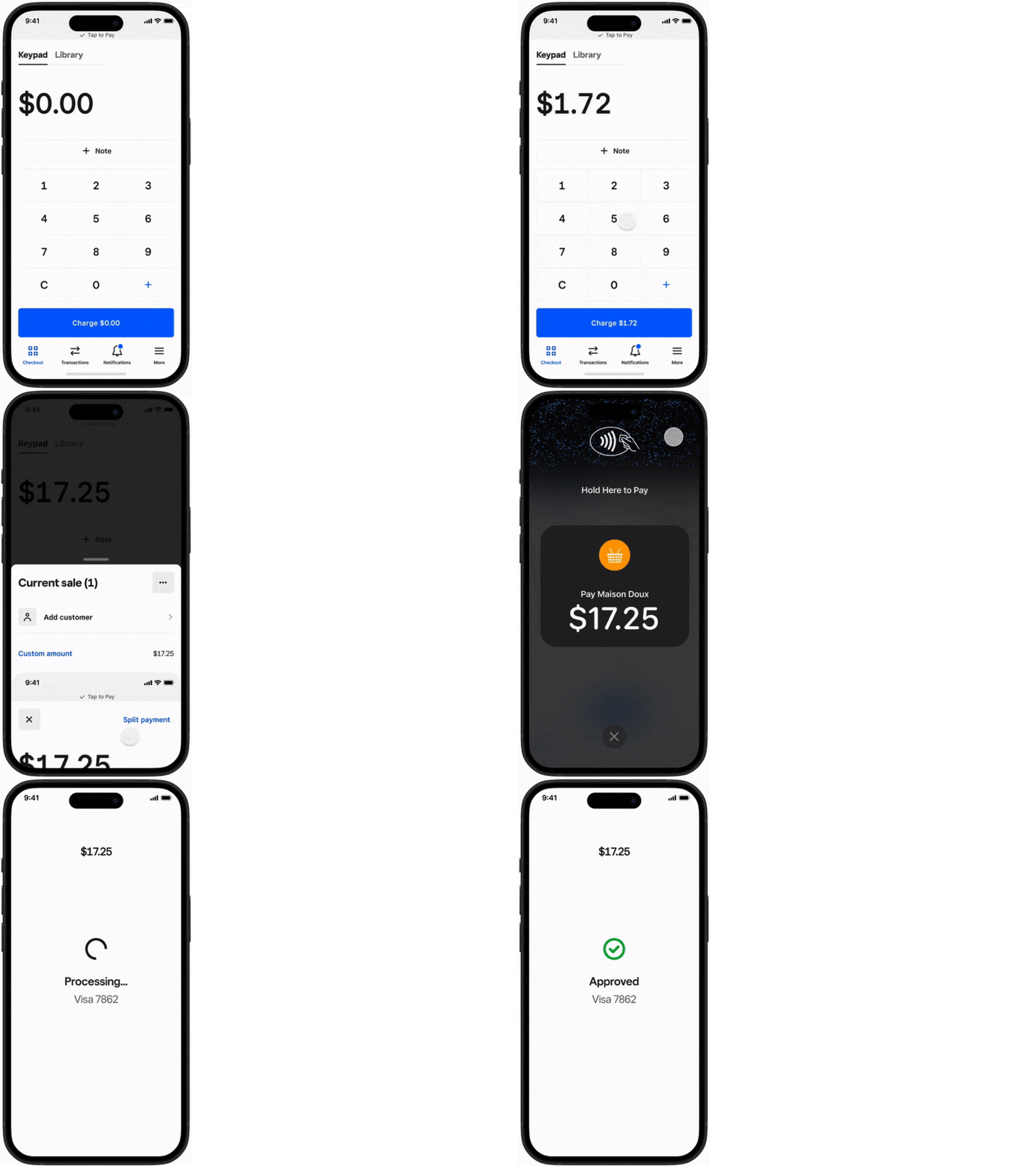
Is Tap to Pay on iPhone currently available in Australia?
Is Tap to Pay on iPhone currently available in Australia?
Yes, Tap to Pay on iPhone is available in Australia through the following suppliers.
- Adyen (SDK)
- ANZ Worldline
- Square
- Stripe (SDK)
- SumUp (SDK)
- Tyro
- Westpac
- Zeller
One of the easiest ways to do this is using Square.
Enable Tap to Pay on your iPhone by following simple instructions;
From the navigation bar at the bottom of your screen, tap ≡ More > Settings > Account, then add an item or key in the amount.
Select Tap to Pay on iPhone, then toggle on Tap to Pay on iPhone.
Verify the correct Apple ID is shown. If not, choose to Use a Different Apple ID.
Select Agree & Continue to toggle on Tap to Pay on iPhone.
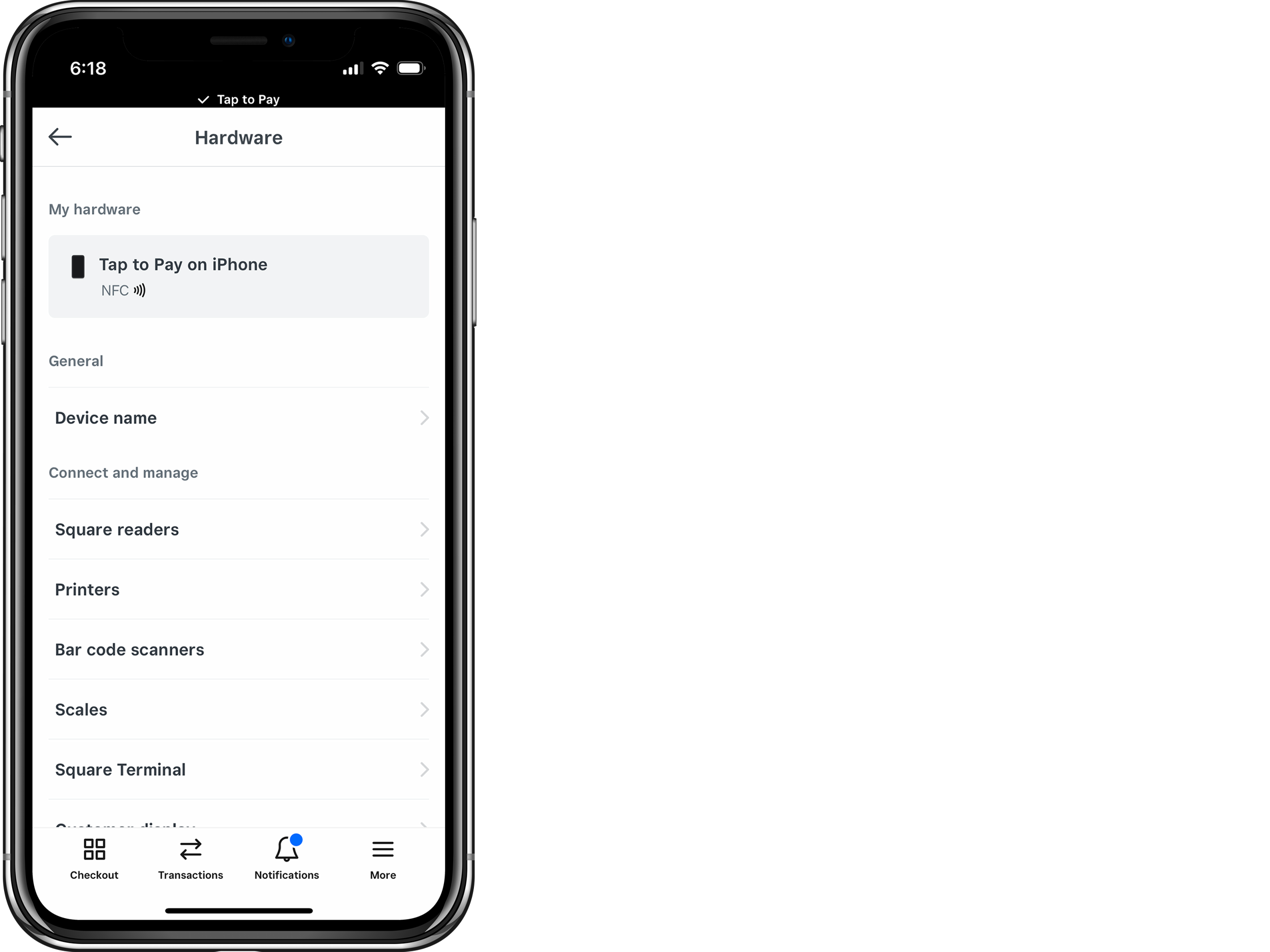
Once you enable Tap to Pay on iPhone, the banner at the top of the screen will read ‘✔ Tap to Pay’ and you will see Tap to Pay on iPhone listed under My Hardware by going to ≡ More > Settings > Hardware.
Toggle off Tap to Pay on iPhone to disable the feature at any time.
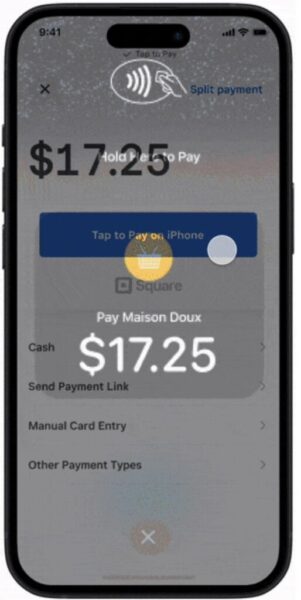
Ask your client for a contactless payment method.
Have them either hold their card horizontally over the contactless symbol or hold any NFC-type devices (like Apple Pay, Google Pay, Apple Watch, etc.) to the front of the phone.