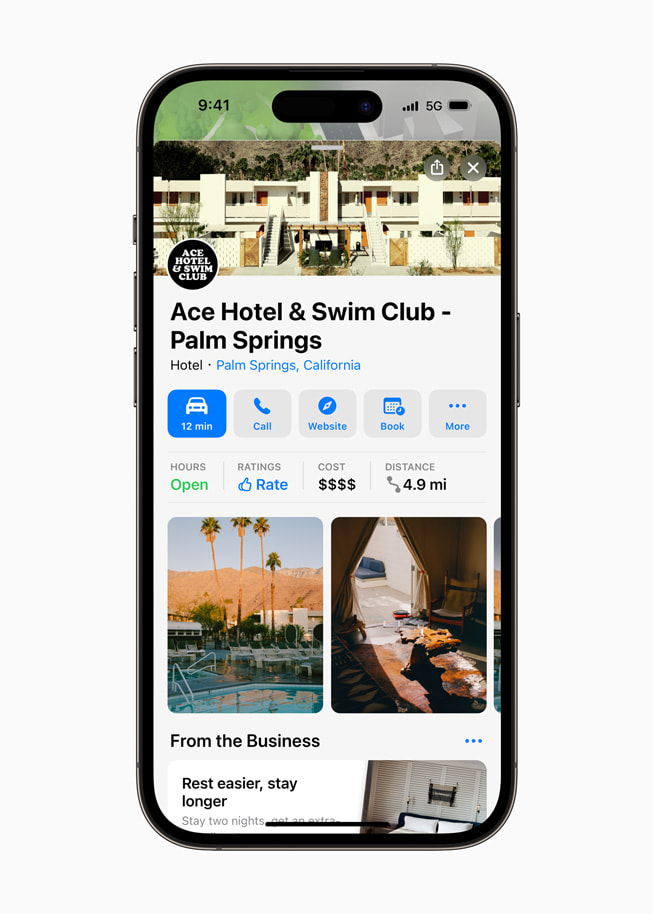
How to list my business on Apple Maps if I do not have an Apple device
To list your business on Apple devices like Mac, MacBook, MacBook Pro, iPad, or iPhone—or even if you’re using non-Apple platforms such as Windows, Linux, or Android—you will need an Apple ID.
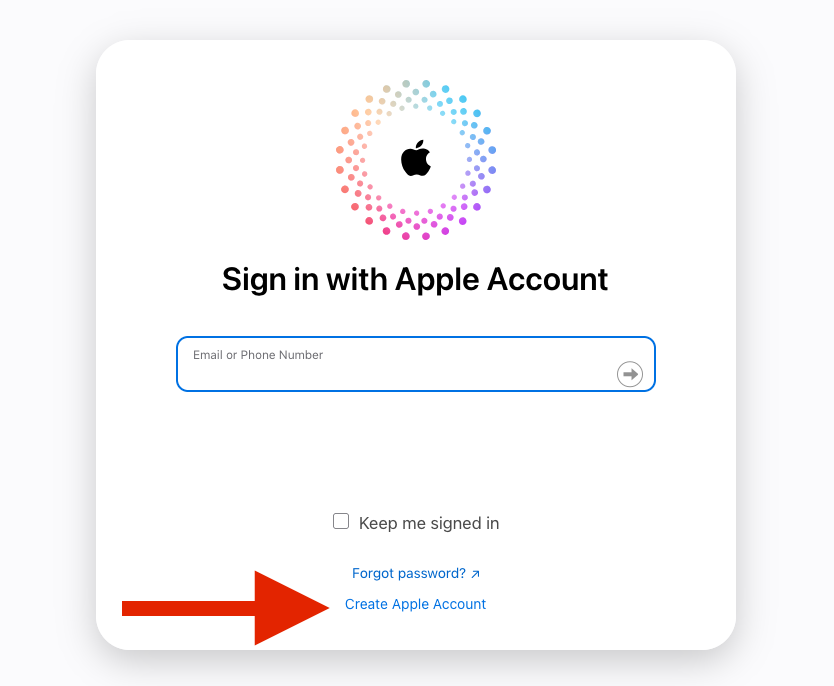
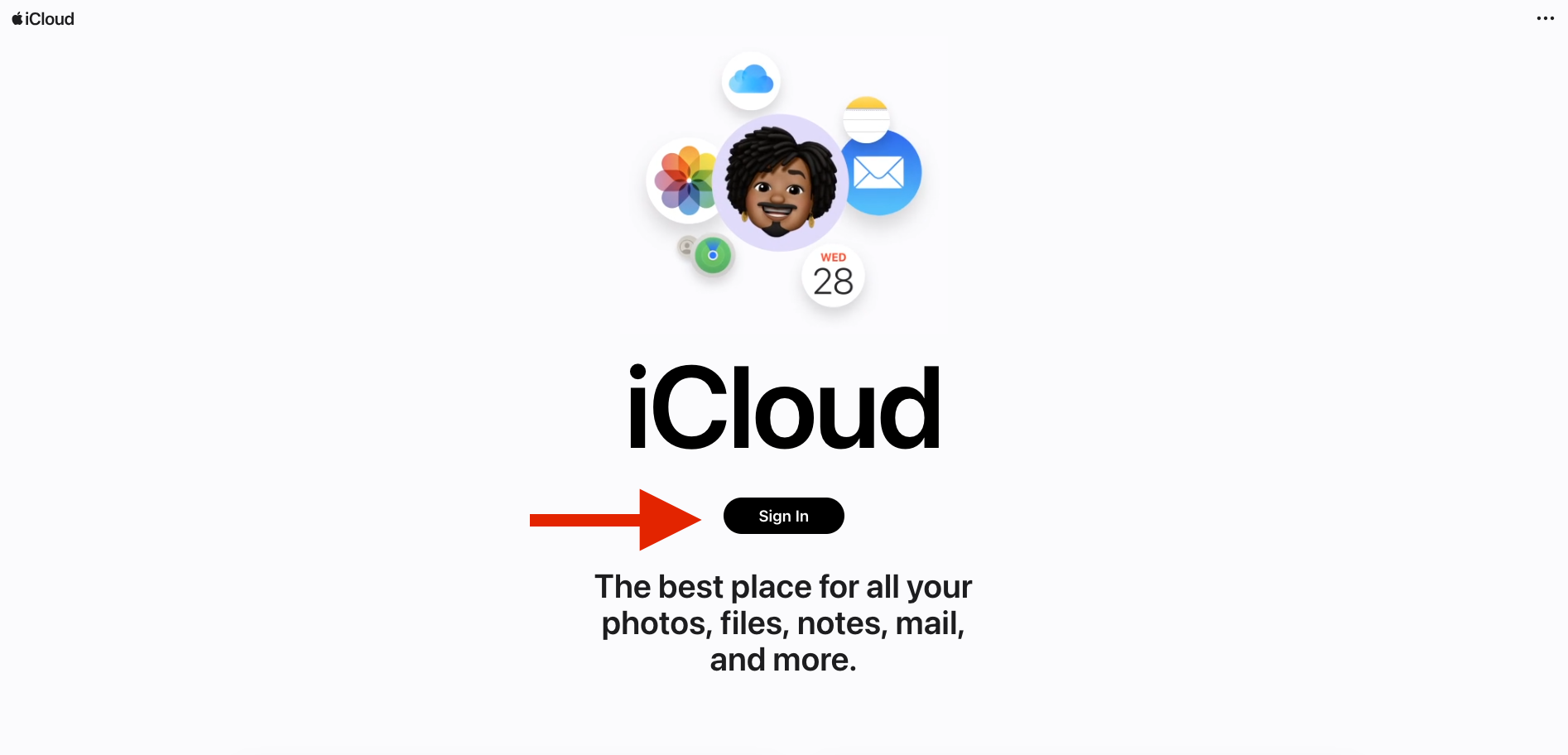
While most Apple users already have an Apple ID, it’s easy for non-Apple users to create one. Simply click here and first click on Sign in then choose create account and follow the straightforward instructions to set up your own Apple ID.
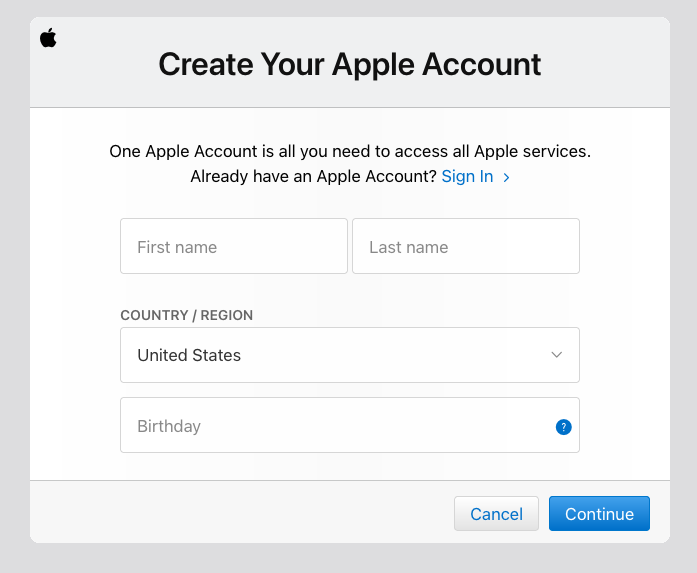
After you obtain your Apple ID, please come back and click on the link below to visit Apple Business Connect website. or simply click on the link below to list your business.
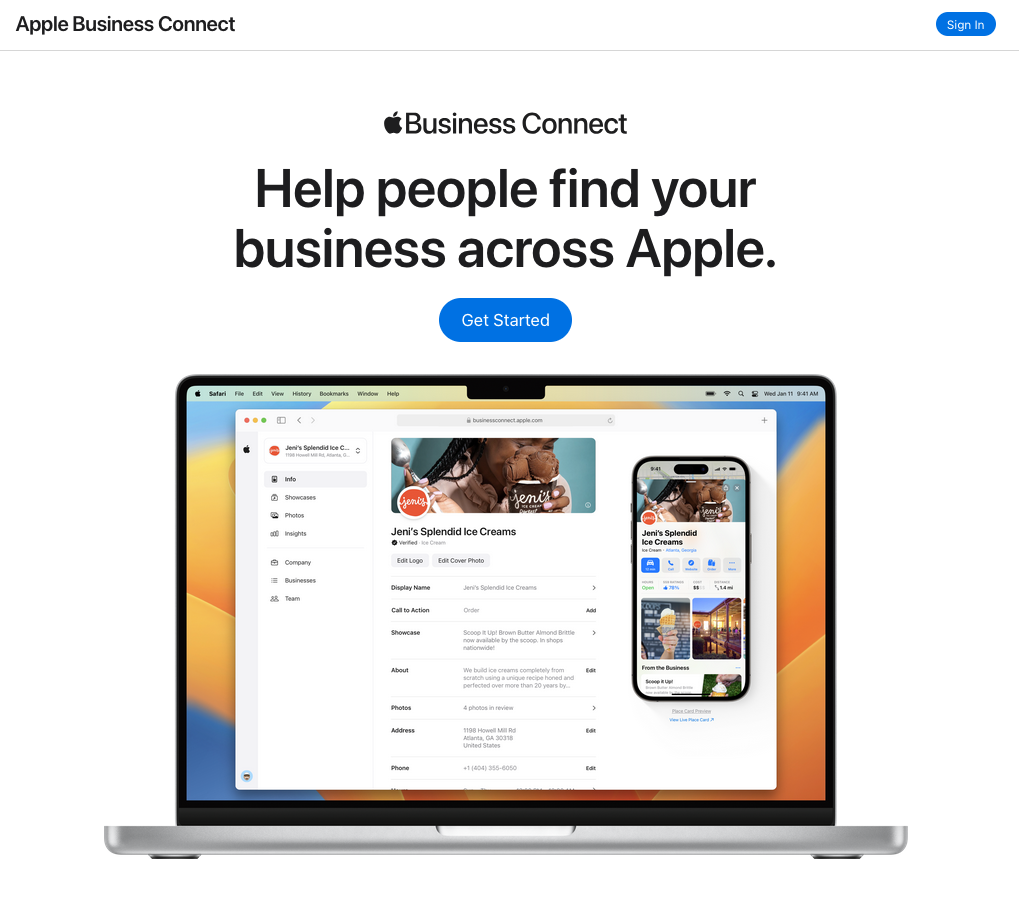
After logging in, click on either the **GET STARTED** or **List Your Business** button.
Next, search for your business in the system.
Choose the appropriate business category.
Verify that all the details, including your business address, phone number, and map pin, are accurate.
Apple verifies your business in two ways:
A. If your business is well-established, Apple will contact you via phone and provide a 4-digit verification code.
B. For businesses with limited online presence, you will need to upload proof of ownership, such as a utility bill. This process may take several days for approval.
If you’re short on time or prefer an experienced professional to handle it for you, simply reach out to us, and we’ll take care of everything.